How to Export LinkedIn Profiles to Excel: A Step-by-Step Guide Using DataSpana
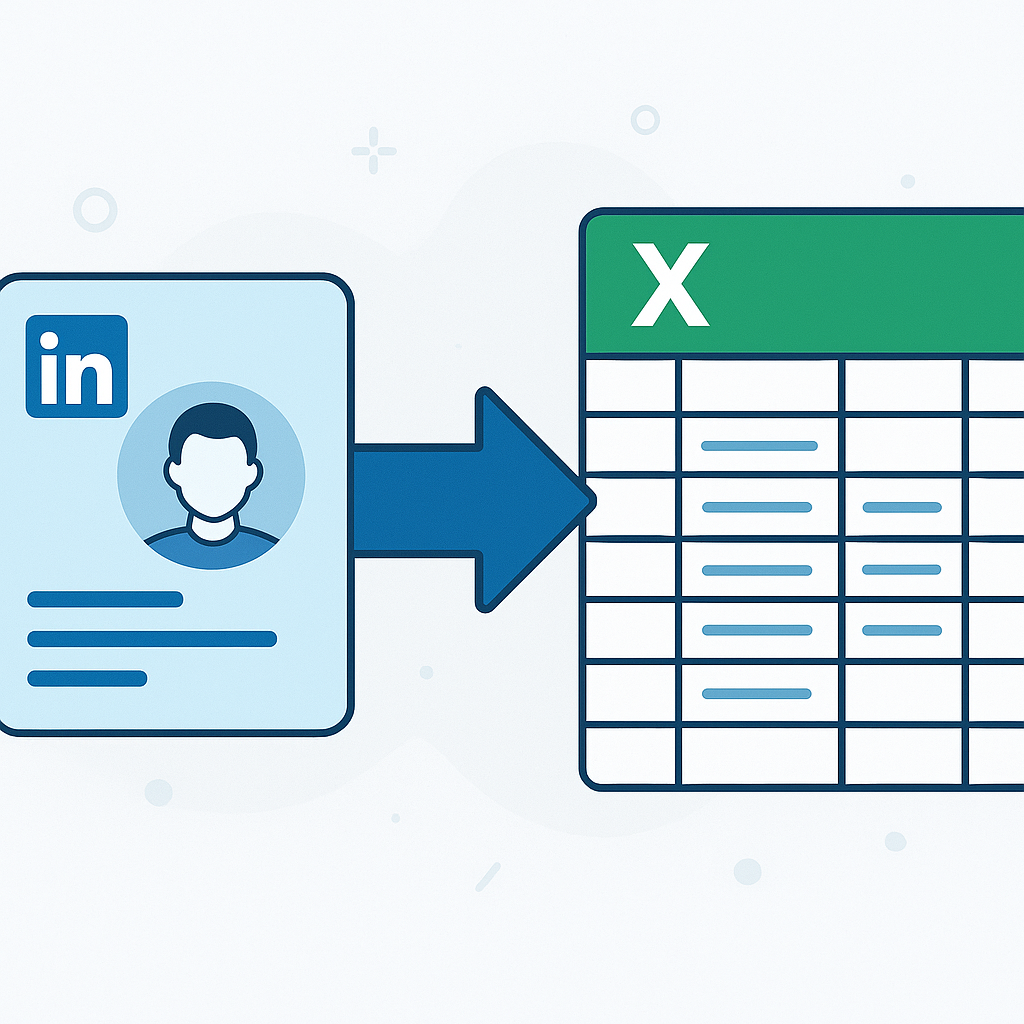
How to Export LinkedIn Profiles to Excel Easily
Exporting LinkedIn profiles to Excel is simple using no-code data scraping tools like DataSpana. You paste LinkedIn profile URLs or search queries into DataSpana, run the extraction, and download the structured data as Excel or CSV files, streamlining lead generation, market research, and data analysis.
Introduction to Exporting LinkedIn Profiles
Exporting LinkedIn profiles is valuable for generating leads, analyzing markets, or researching competitors. Manual collection is time-consuming and limited, making automated data extraction appealing. However, LinkedIn's terms of service restrict automated scraping, so using compliant tools is essential.
Overview of Tools for Exporting LinkedIn Profiles
Manual export on LinkedIn often involves downloading your own connections and is limited. No-code scraping tools like DataSpana enable broader LinkedIn profile export without coding. DataSpana supports pasting profile URLs or queries, automates data collection, and outputs Excel or CSV, offering efficiency and ease.
Step-by-Step Guide to Export LinkedIn Profiles Using DataSpana
- Sign up and log into DataSpana.
- Select LinkedIn as your target platform.
- Enter LinkedIn profile URLs or search queries into the input field.
- Start the data extraction job and wait for it to complete.
- Download the collected data in Excel or CSV format for your analysis.
This approach requires no coding skills and can handle multiple profiles simultaneously, though limits depend on DataSpana plans and LinkedIn policies.
Best Practices and Tips for LinkedIn Data Export
- Ensure your data extraction complies with LinkedIn's terms to avoid violations or account issues.
- Clean and verify the exported data before use.
- Use the data responsibly, respecting privacy and usage rights.
Frequently Asked Questions about Exporting LinkedIn Profiles
Can I export LinkedIn profiles without coding? Yes, no-code scraping tools like DataSpana let you export LinkedIn profiles without any programming knowledge.
Is exporting LinkedIn profile data legal? It depends on compliance with LinkedIn's terms of service and privacy rules; unauthorized scraping may violate LinkedIn policies.
What formats can I download LinkedIn profile data in? Typically in Excel, CSV, or JSON formats.
Are there limits on how many LinkedIn profiles I can export? Limits vary based on tool capabilities and LinkedIn restrictions.
Comparison of LinkedIn Profile Export Methods
| Method | Ease of Use | Data Limitations | Cost | Compliance Risk | |--------------------------|-------------|----------------------------|------------------|---------------------------| | Manual LinkedIn Export | Moderate | Limited to own connections | Usually free | Low | | No-Code Tools (DataSpana)| Easy | Dependent on tool plan | Varies ($10-$100+) | Medium (if terms followed) | | Custom Coding/Scraping | Complex | Flexible | Varies widely | High (risk of violations) |
Data Fields Typically Extracted from LinkedIn Profiles
| Field Name | Description | Availability | Notes | |------------------|----------------------------|---------------|-------------------------------| | Name | Full name | High | Always present | | Current Position | Job title and company | High | May vary in format | | Location | Geographic location | Medium | Optional based on privacy | | Education | Schools and degrees | Medium | Sometimes incomplete | | Contact Info | Email, phone (if available)| Low | Often restricted | | Skills | Listed professional skills | Medium | Useful for targeting | | Experience | Past job roles | High | Detailed but varied |
Get Started with Exporting LinkedIn Profiles Using DataSpana Today
Ready to extract LinkedIn profiles to Excel effortlessly? Try DataSpana's no-code platform to automate your LinkedIn data collection for lead generation, market research, and more. Visit DataSpana, sign up, and start your export today for streamlined data insights.